Go Further with LevelUp Online
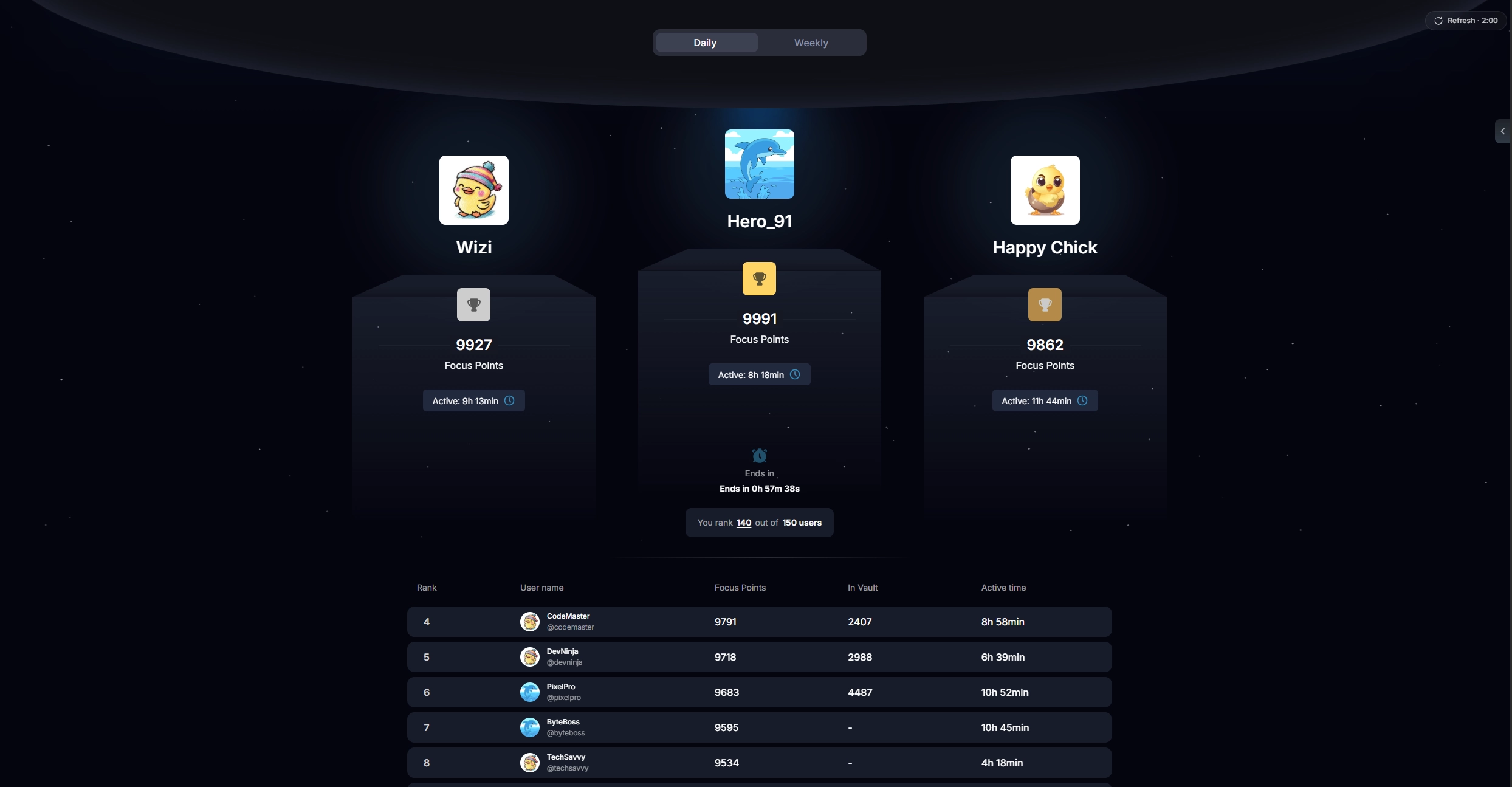
Take your progress online, climb the leaderboards, challenge friends, and help keep LevelUp growing.
LevelUp Online
$9.99 /year
≈ $0.83 / month
7 active days free on registration · cancel anytime
- Keep your progress syncedYour progress follows you across devices.
- Compete worldwideGlobal leaderboards, streaks and rankings.
- Create private leaderboardsCompete with friends, teams or coworkers.
- Preserve your LevelUp historyYour online progress stays connected to your account.
Prices include VAT. LevelUp Online renews automatically until cancelled and can be cancelled anytime with effect from the end of the billing period. Payments are processed by Polar as Merchant of Record. See our Right of Withdrawal & Refund Policy.
Shipping log
LevelUp has an active past and an even more active future. See the major milestones as the extension evolves here.
- v2.0.0
Leaderboards, new Vault concept, Activity Tracker & Cortex.
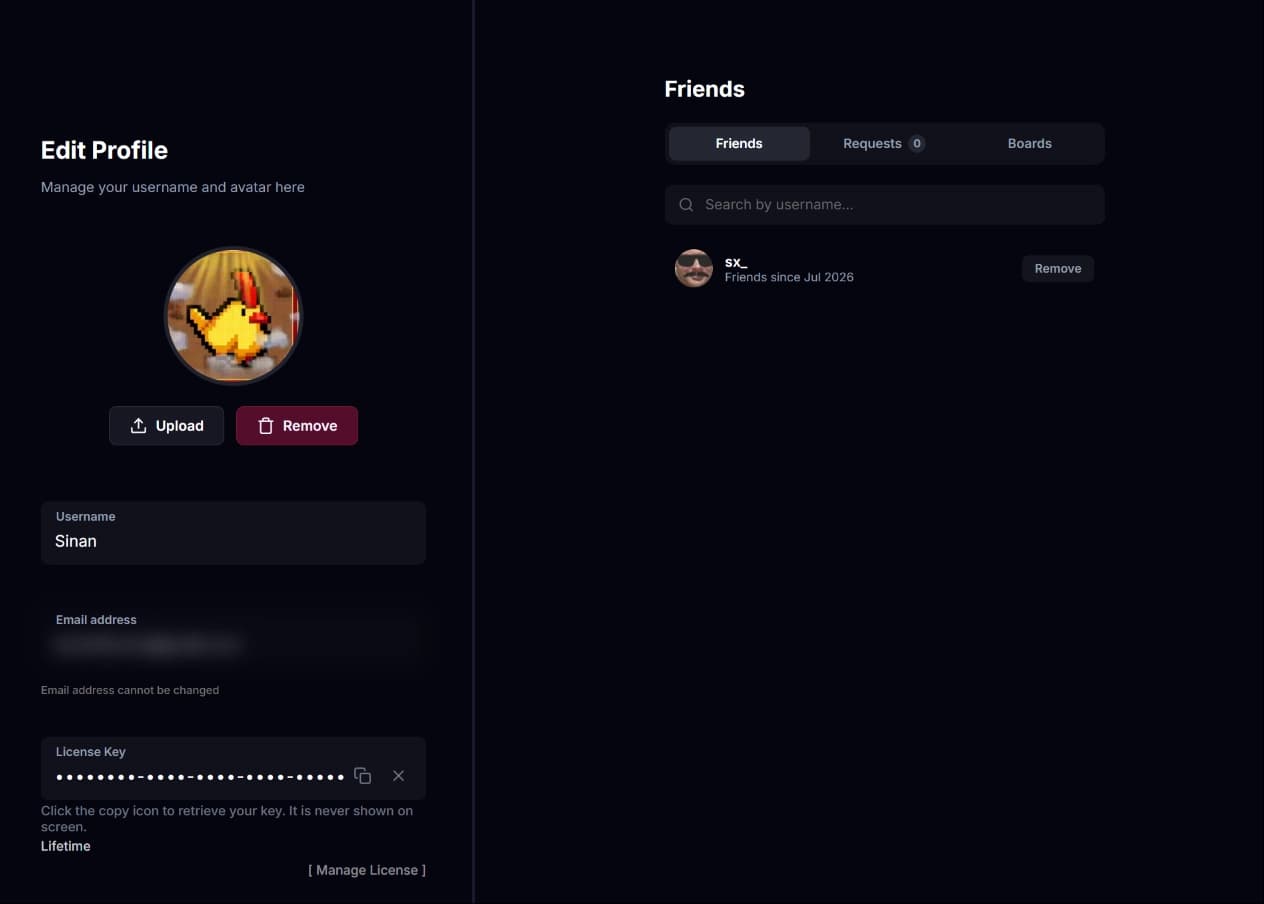
Online features & leaderboards
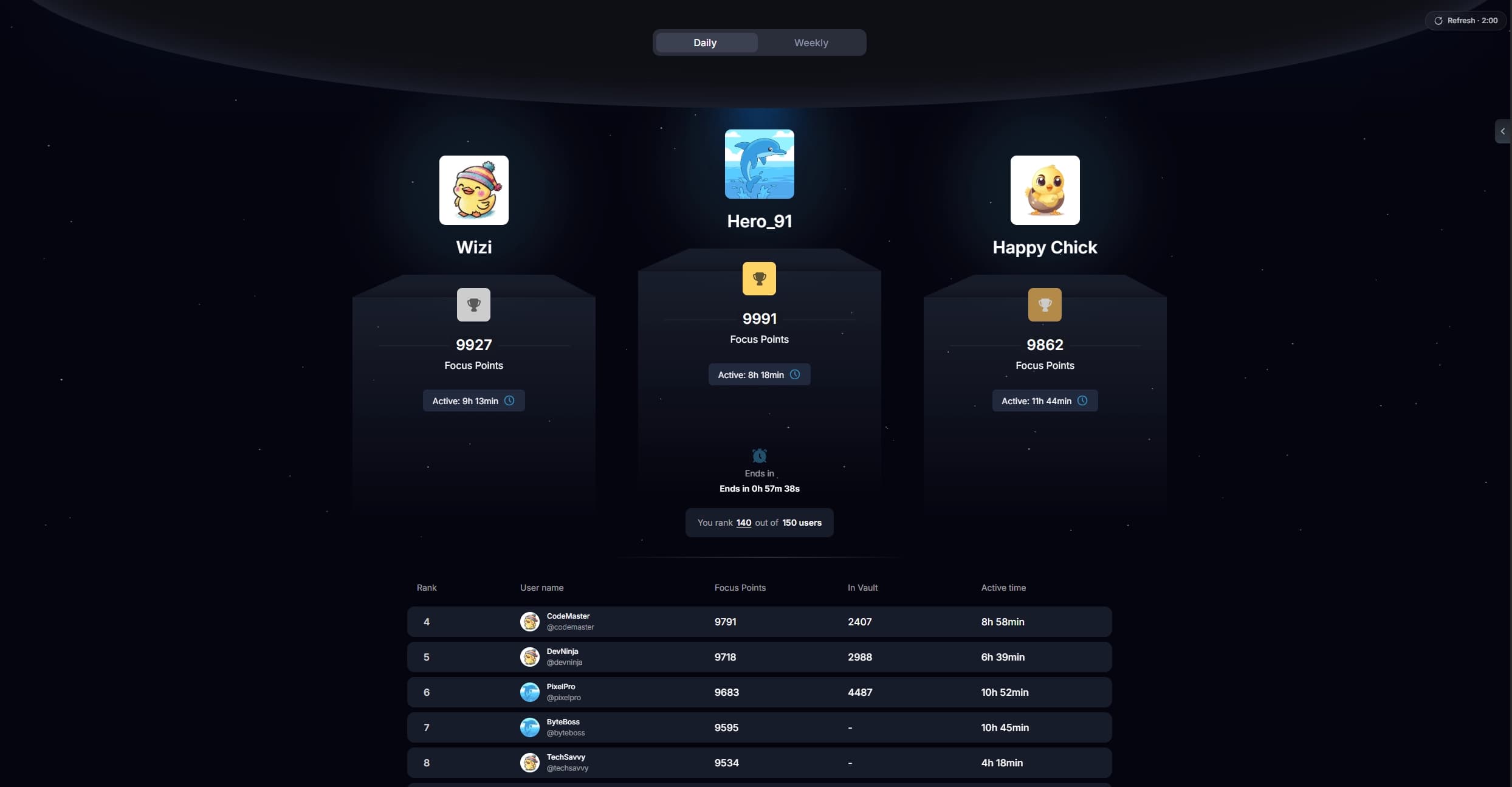
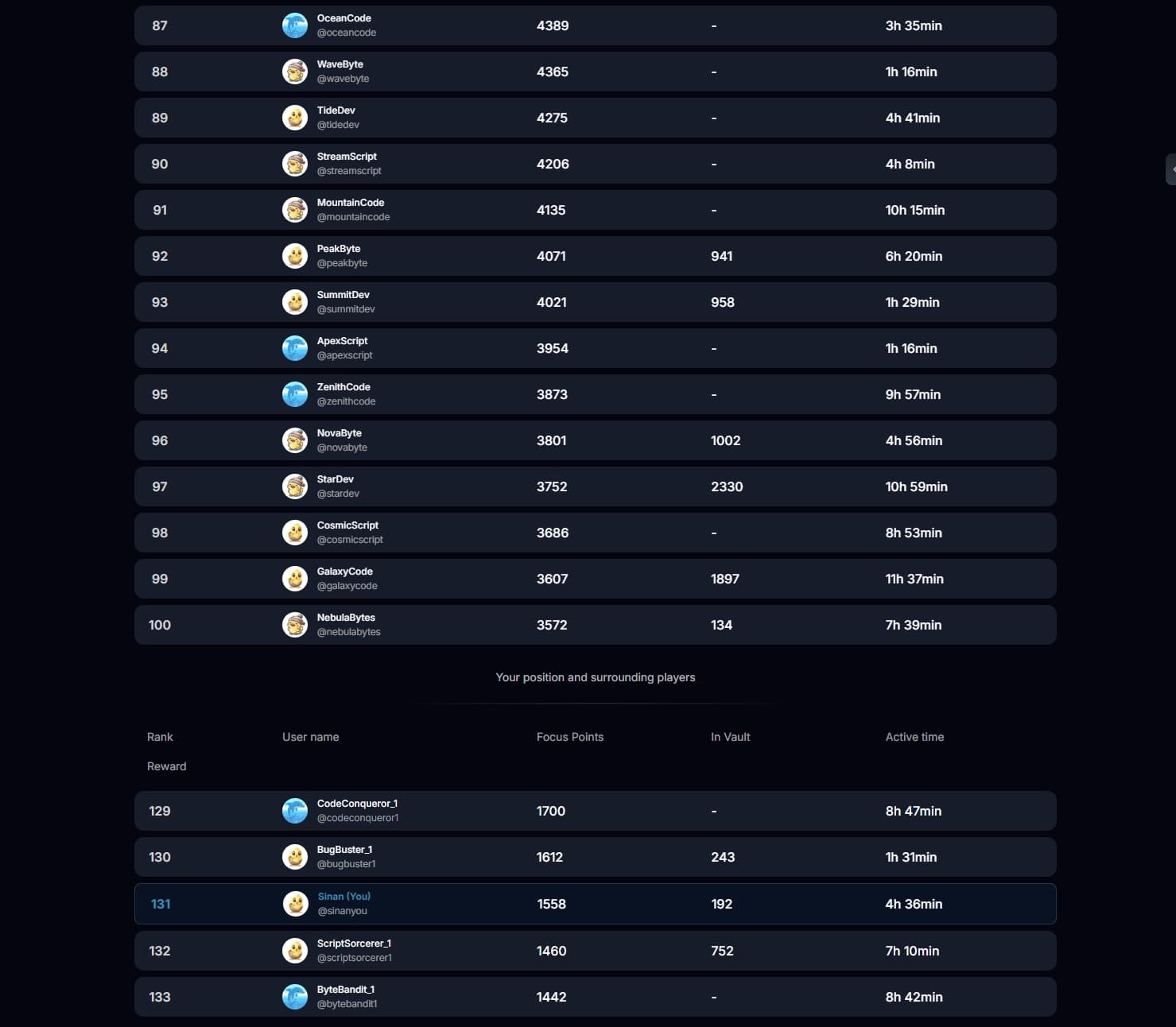
Who would have thought it would take more than a year between the first line of code and the leaderboards finally going live? Not me. But here they are!
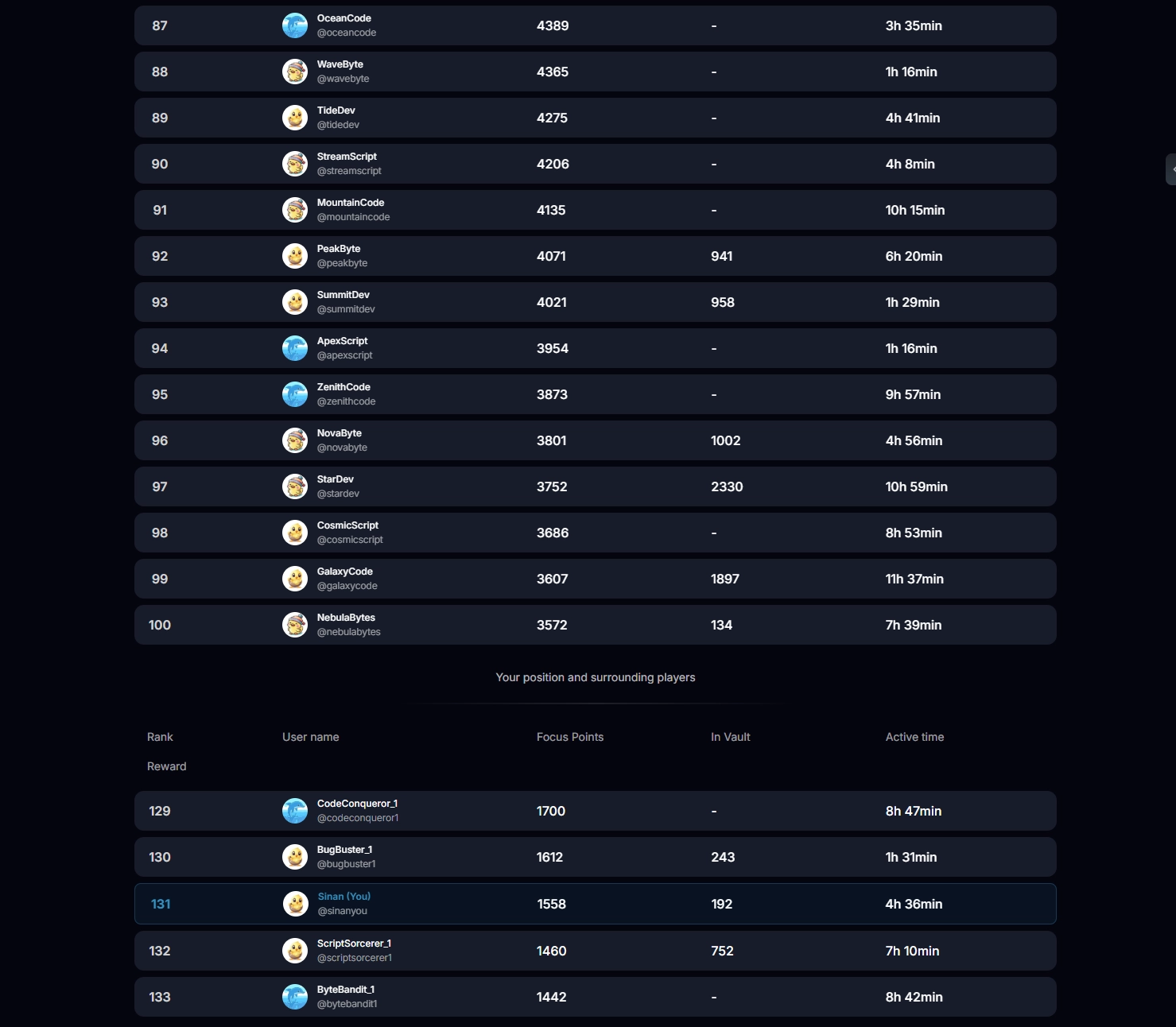
- Daily & weekly leaderboards
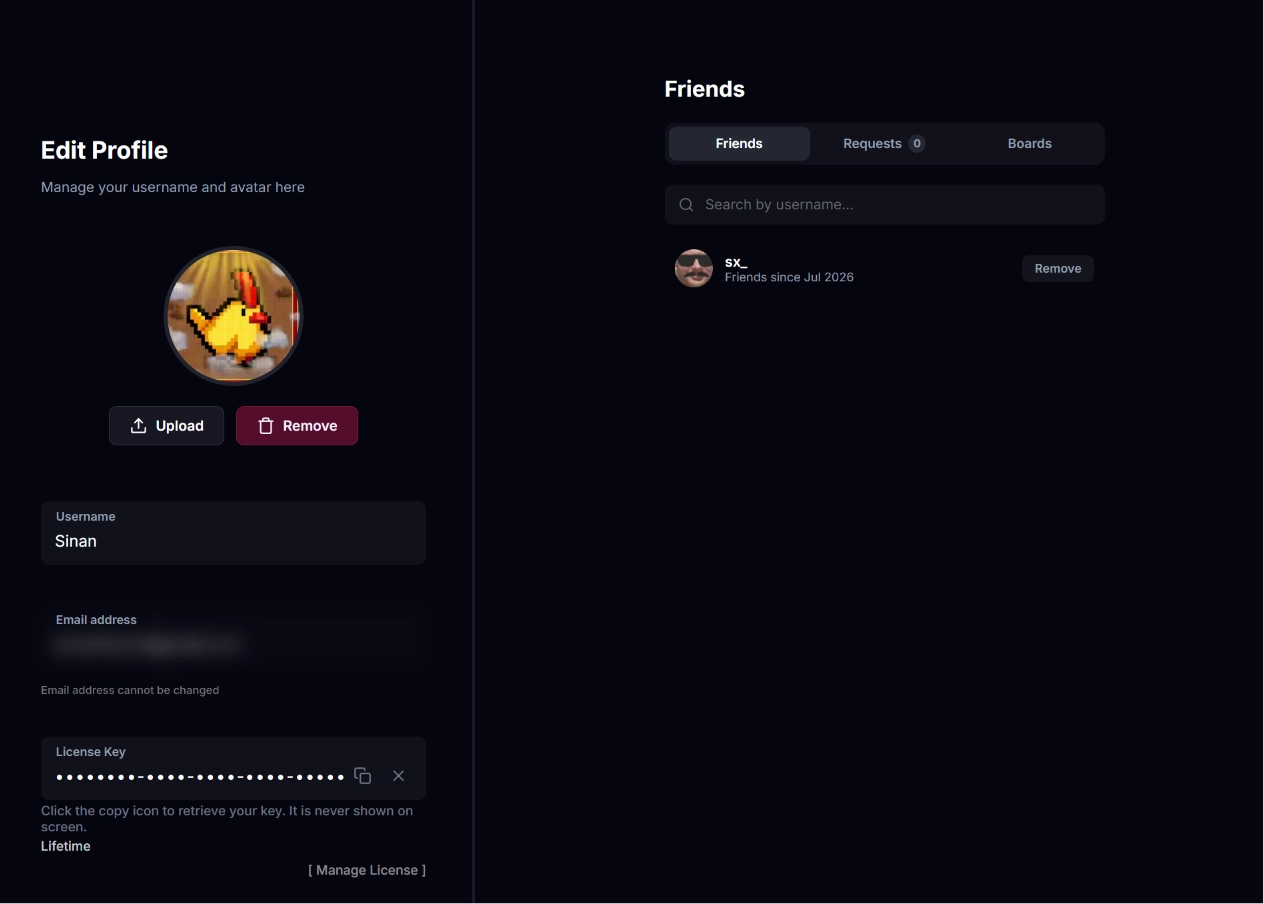
- Friends and private leaderboards
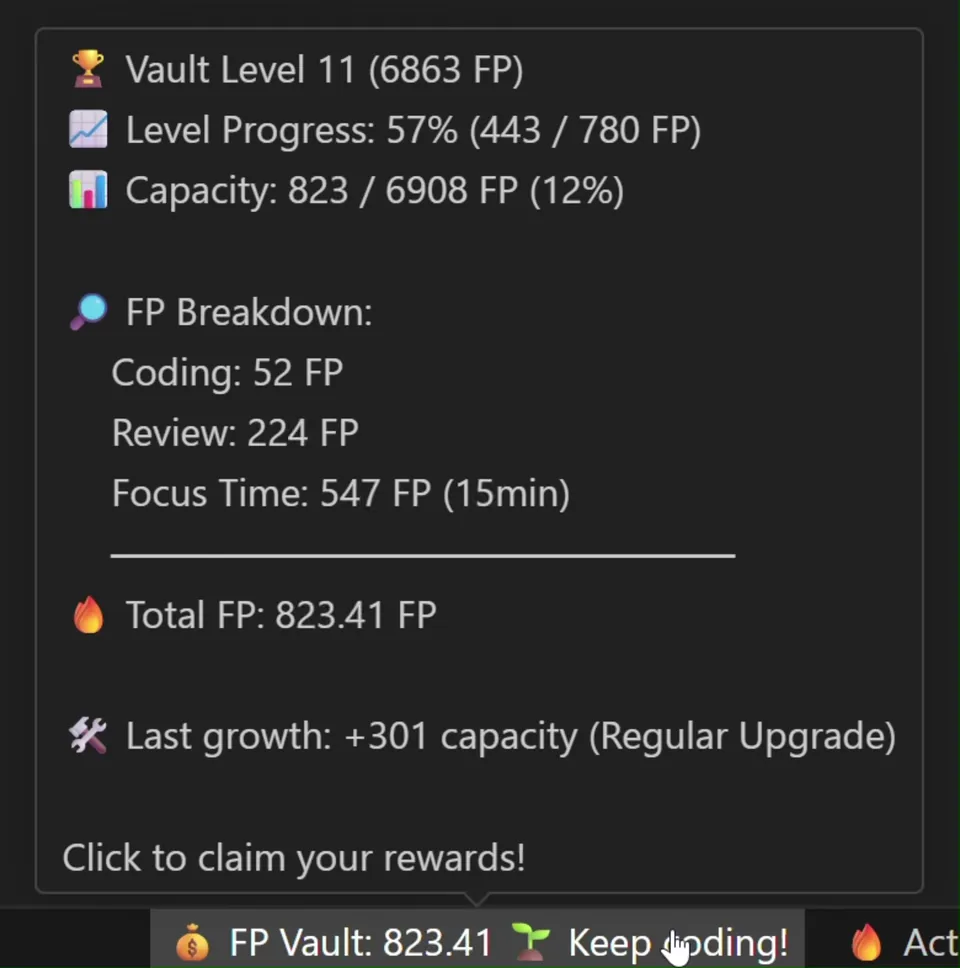
Vault rework
The Vault is now ready for the modern workflow of dev & AI.
- "Coding" merges Lines of Code and Keystrokes into one source
- New "Review" source pays for time spent reading and understanding code, on top of Focus Time
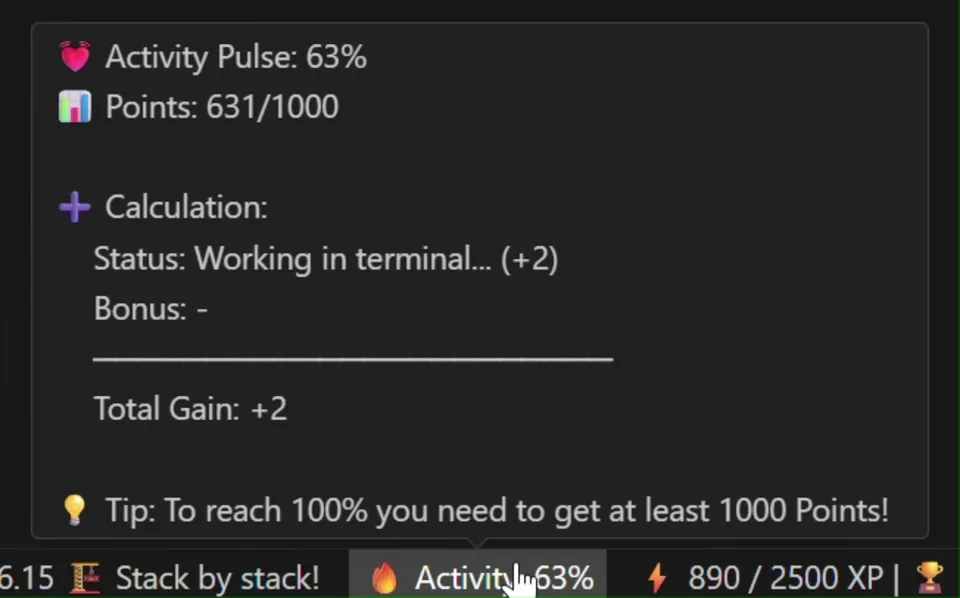
Activity Tracker
With new idle detection capabilities, the Activity Tracker now includes four new states, so every single piece of work is truly recognized.
- New idle detection system
- New states for activity away from the editor
- Hover the active slice in the dashboard chart for a per-state breakdown
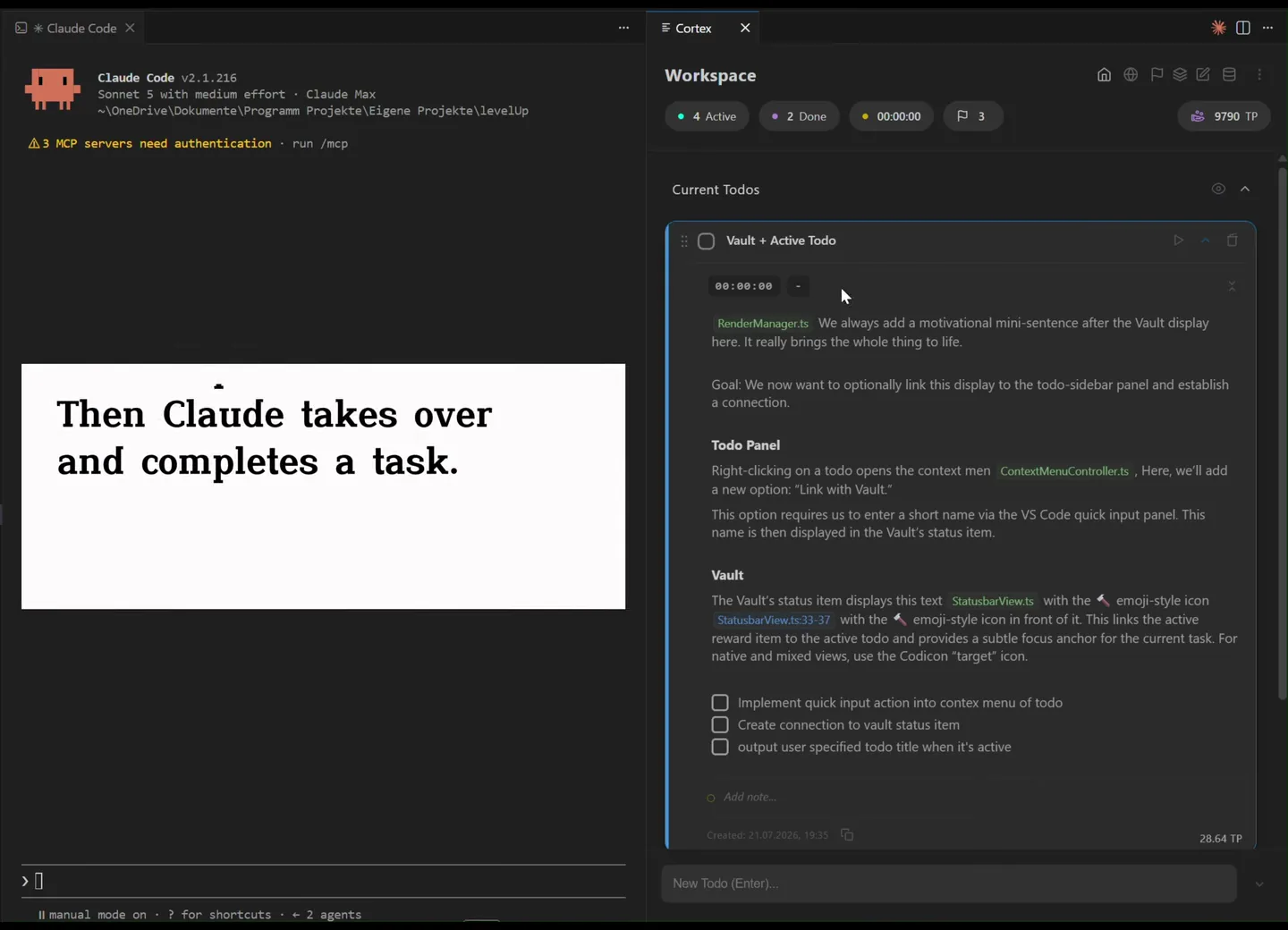
Workspace todos become Cortex
Workspace todos get a new fitting name, Cortex. Tasks, Notes & Code.
- A new saving system that makes working with AI agents token-efficient
- You can now create Epics
- Todo timers now pause automatically when you go idle and resume once you are back
Sound
That came with its own set of challenges, but LevelUp finally supports instant sounds.
- New claim & level-up sounds
- v1.2.0
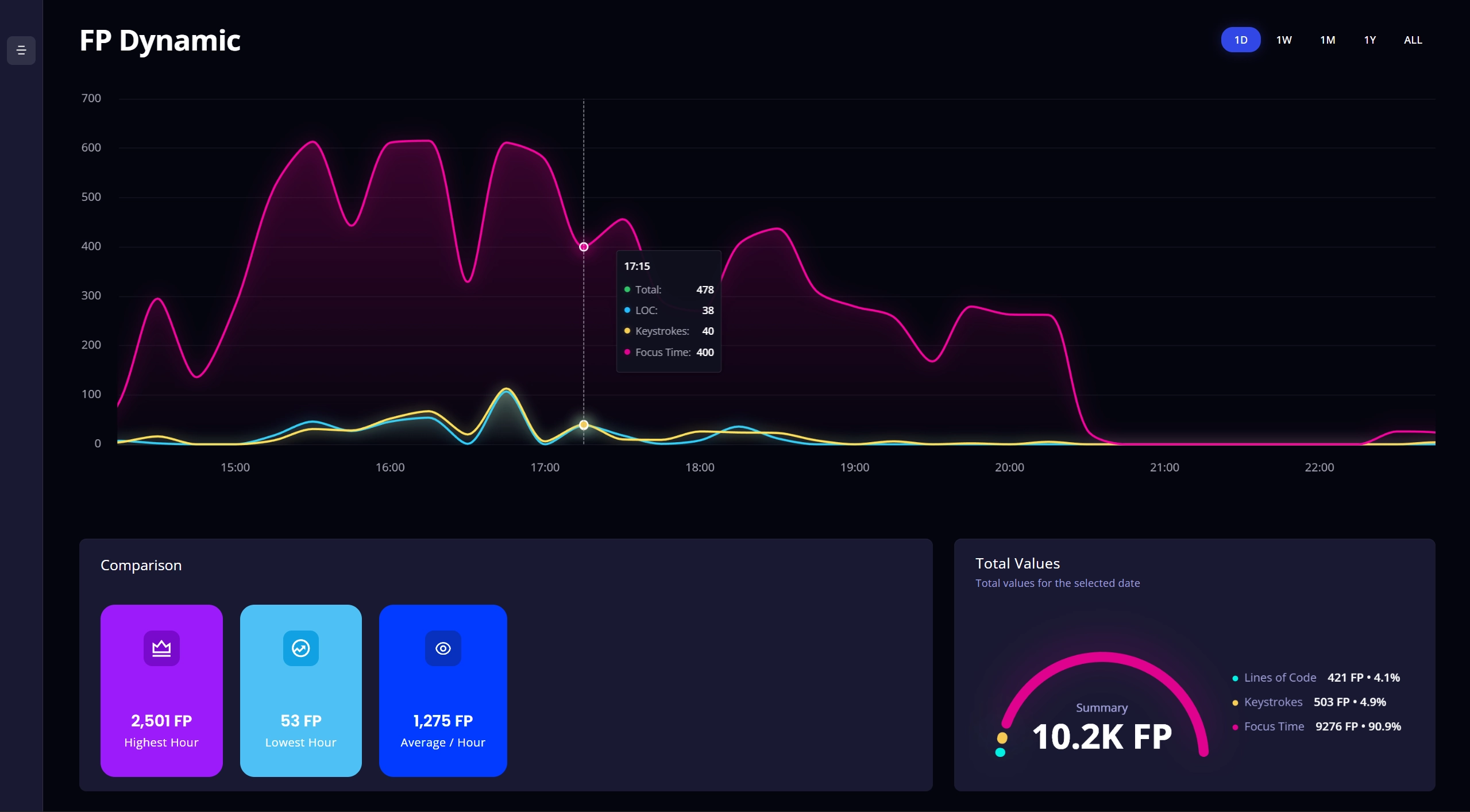
FP Charts & Data Analytics, visualize your coding flow.
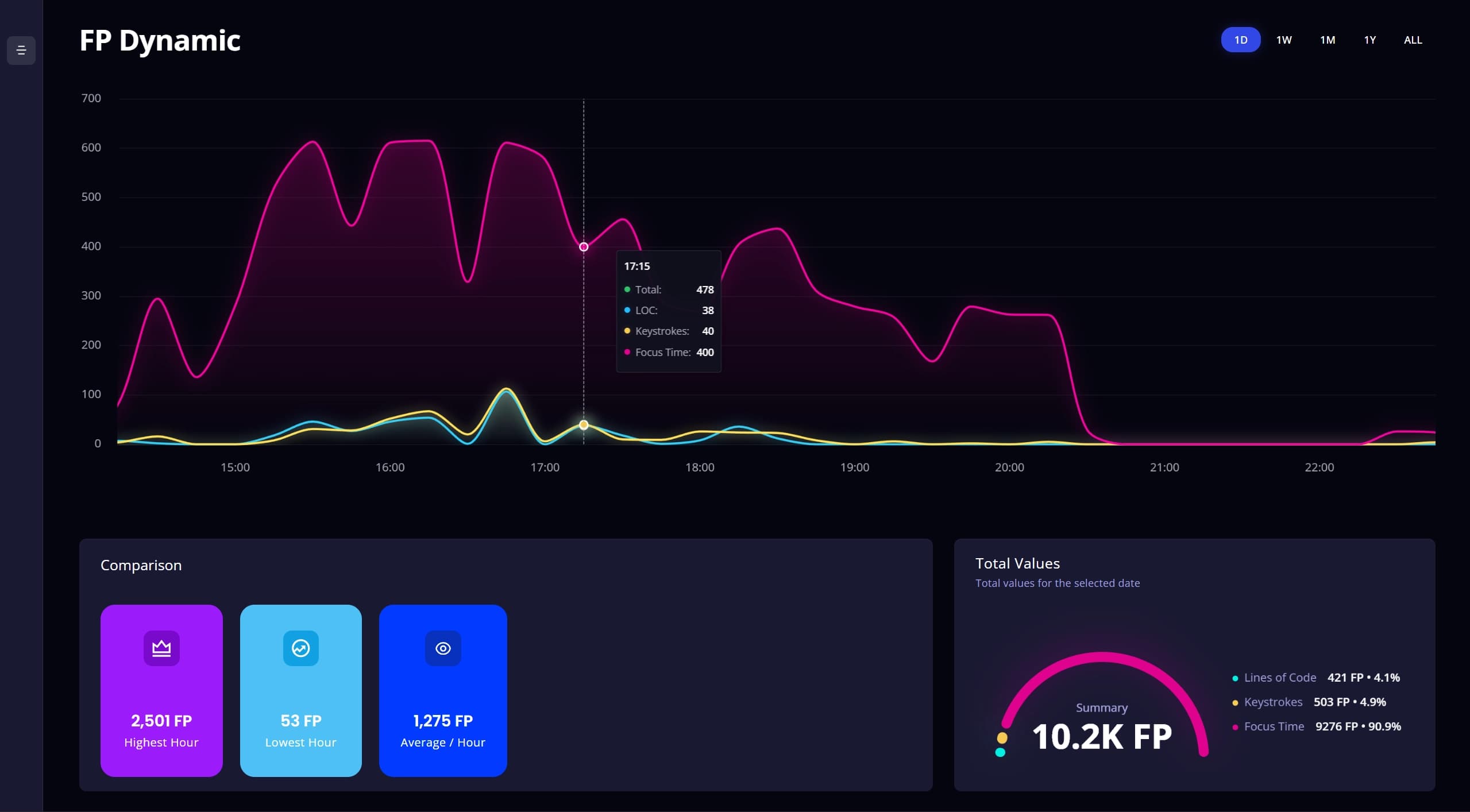
FP Charts
Gain insights into when you are most productive and when you are at your peak.
- Dynamic FP chart page with 1D, 1W, 1M, 1Y and All views
- 15-minute granularity for finer time analysis
- Multi-instance support across parallel VS Code sessions
- v1.1.5
The community asked for more visual reward, so we shipped it.
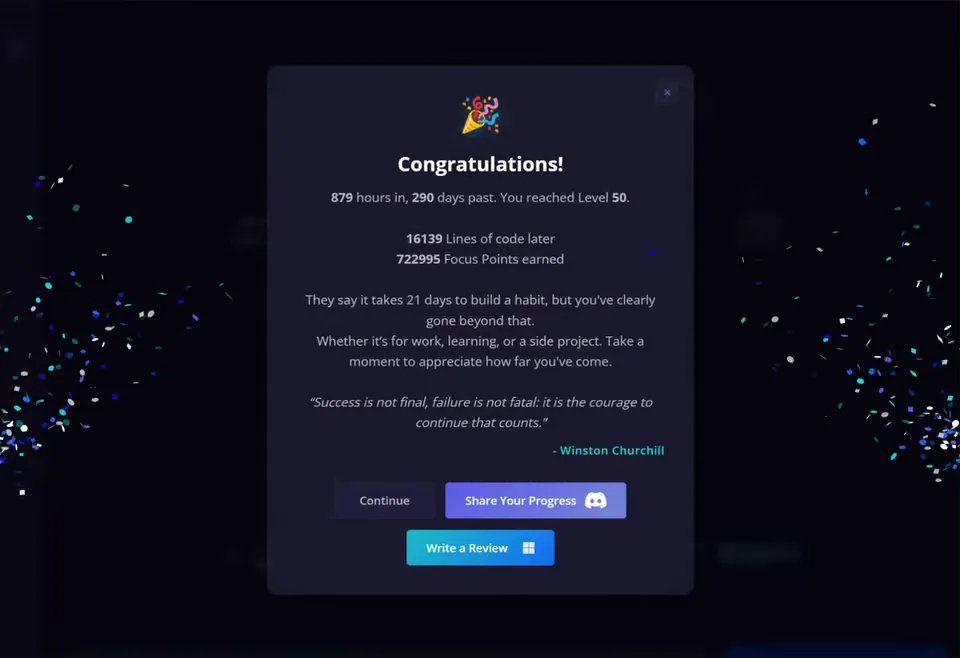
Level-up gratification
Some wished for bigger moments when leveling up. So we came together and worked something out.
- Level-up gratification modules every fifth level up to level 50
- Level-up animation on the XP statusbar item
- Improved first-time onboarding flow
- Simplified tooltips for Vault and Activity Tracker, opt-in for less visual noise
- v1.1.0
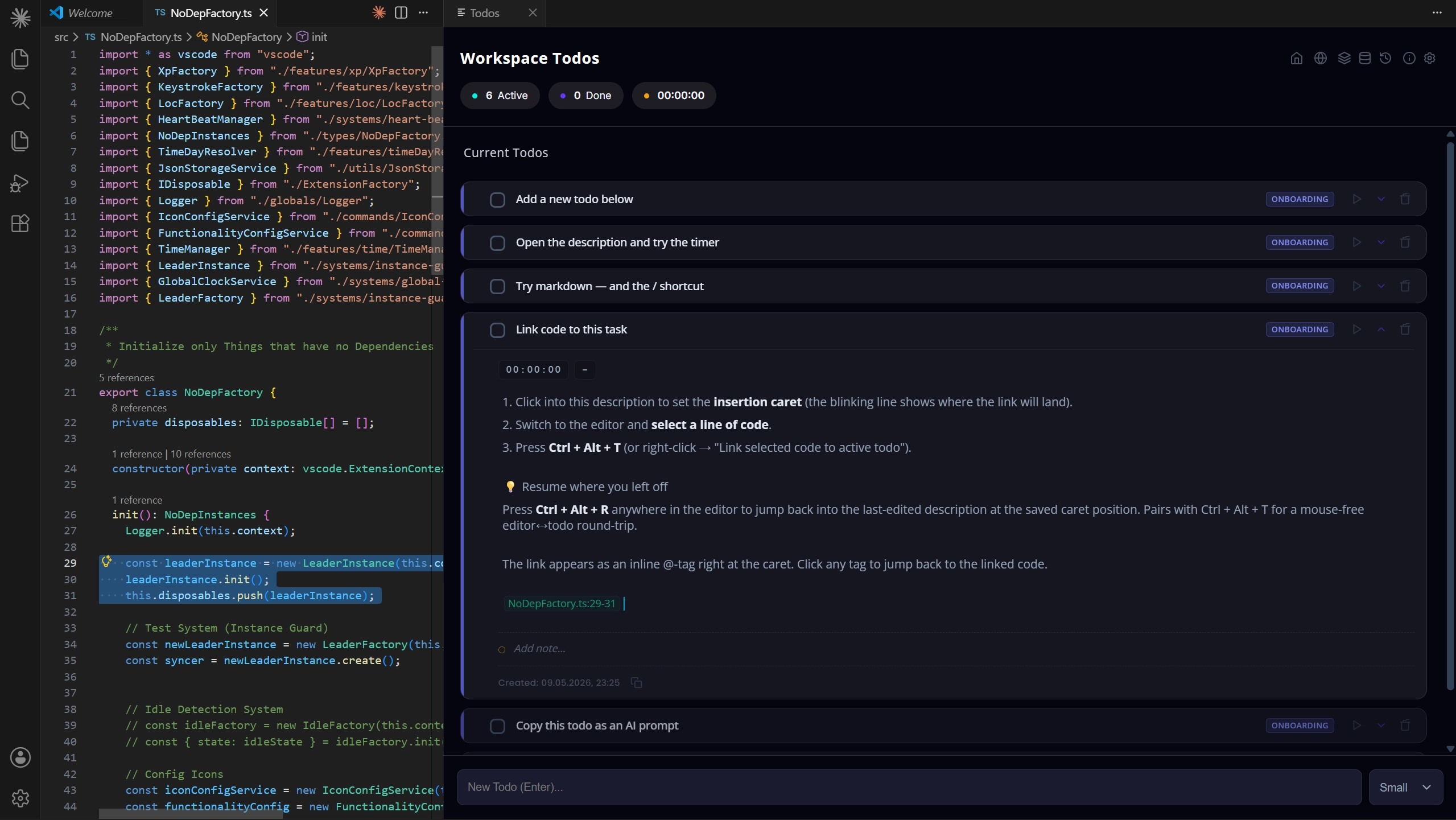
Introducing Workspace Todos, task management built into the editor.
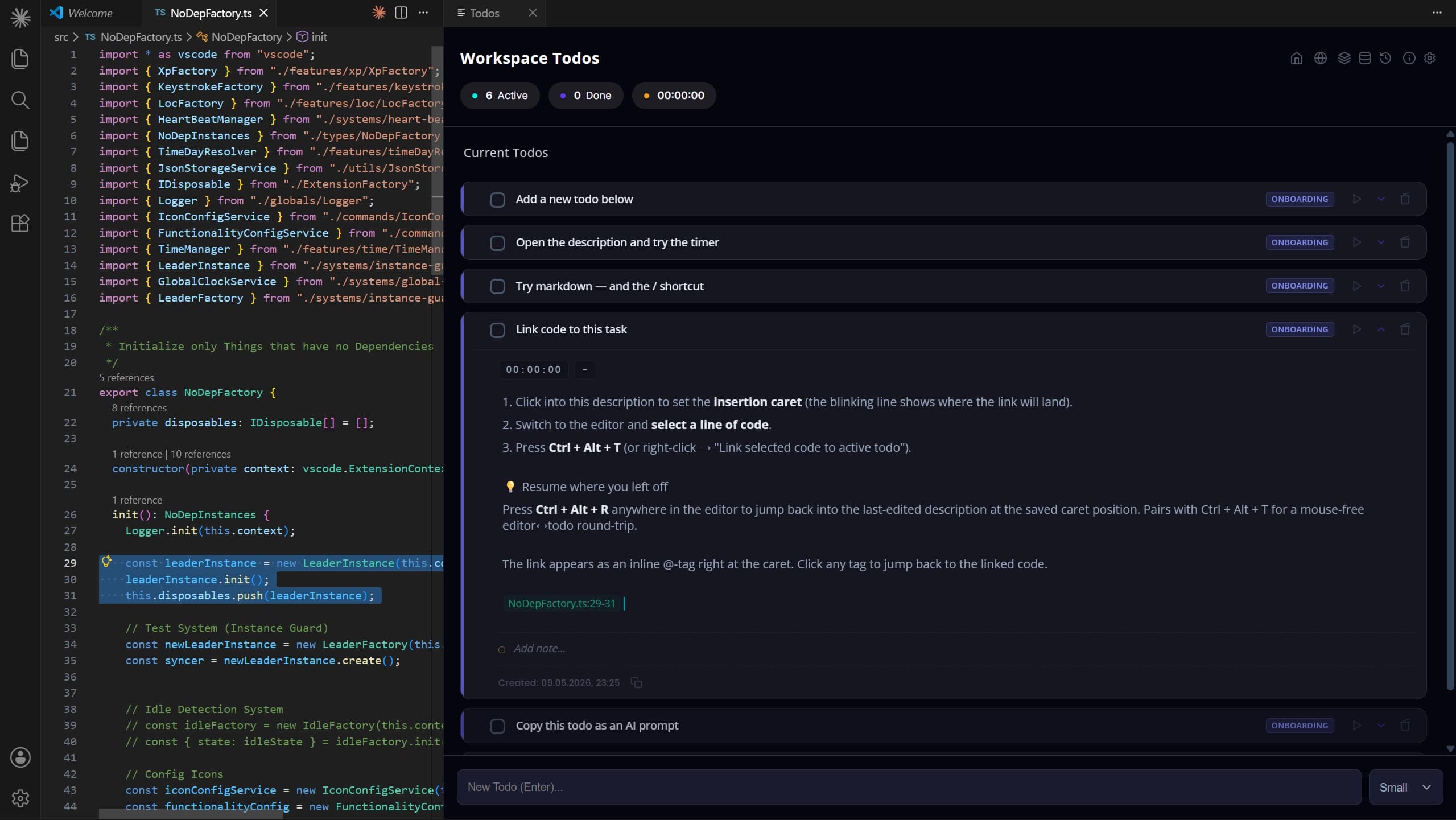
NEW Workspace Todos
A complete task system that lives next to your code. Open it with
Ctrl + T.- Task timer & estimation
- Rich markdown notes for detailed documentation
- Drag & drop, context menu, organization types (Active, Backlog, Completed, Last 7 Days, Older)
- Code linking, connect tasks directly to lines of code
- Date tracking
Stability
- Daily reset mechanism for continuous VS Code instances
- Multi-instance support, LevelUp now runs across multiple VS Code windows
- v1.0.0
The v1 launch, complete rework, polish, and reward overhaul.
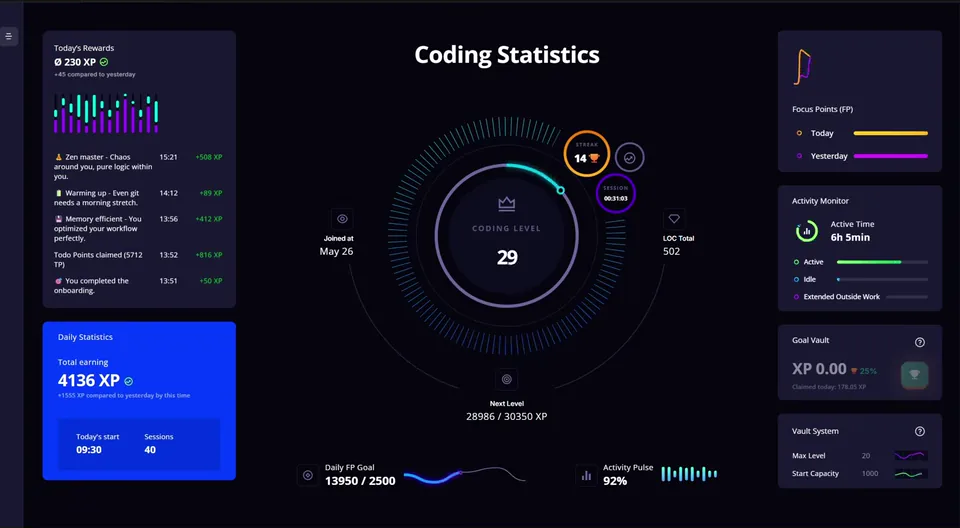
Webview UI rework
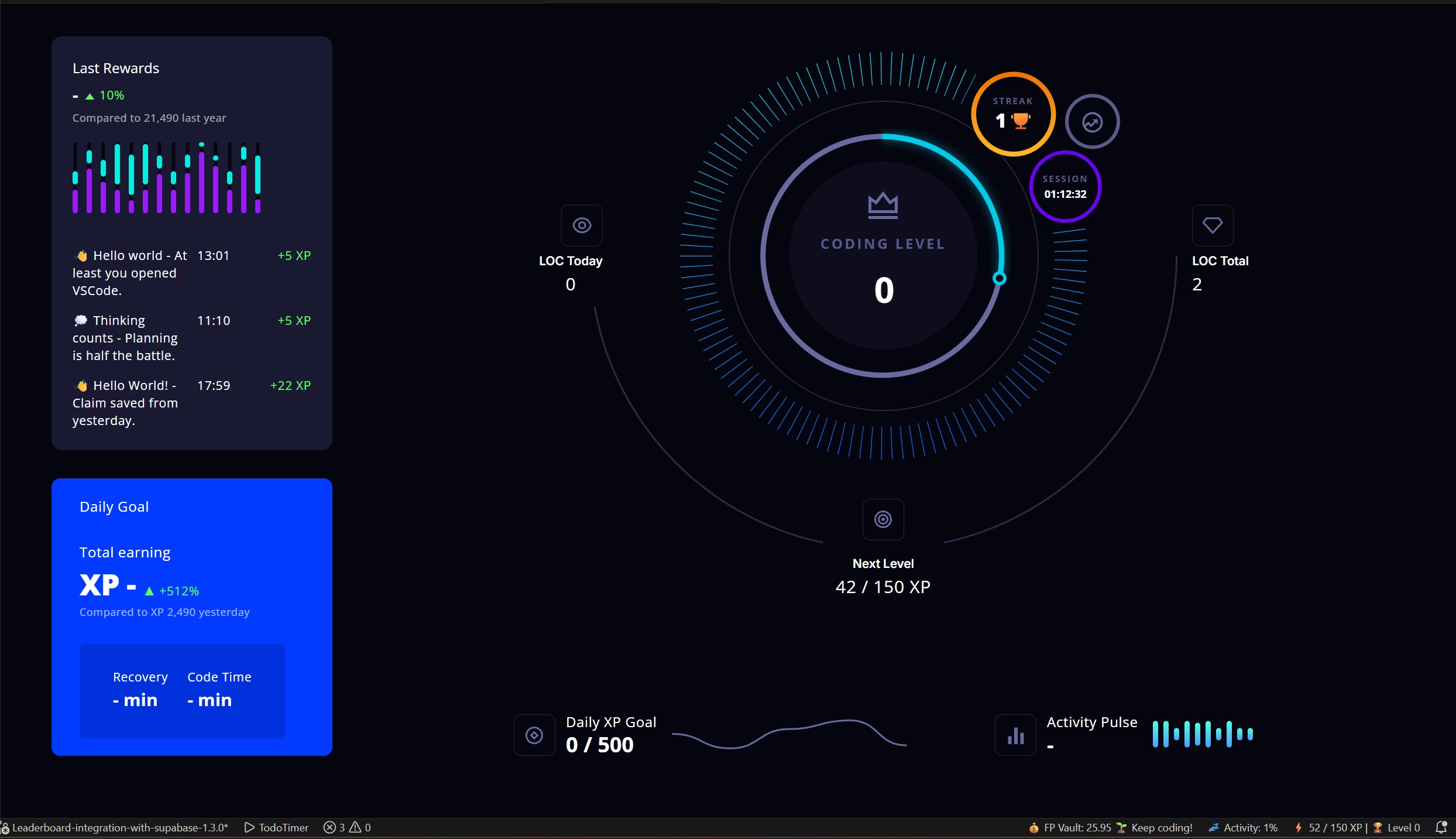
The first polished version of LevelUp. Well, that took some time. But the result was definitely worth it.
- FP History widget with chart comparing performance to yesterday
- Daily Goal with active claim & streak bonus
- Animated UI components throughout & value comparisons
Reward system
- Quality-based LOC reward system, code structure determines FP multipliers (0.05x–1.2x), making spam unprofitable and quality work more valuable
- Better spam detection for Focus Time and LOC
- FP through Focus Time now scales exponentially with activity, rewarding flow states more
- v0.9.33
Where it all began, the first beta release.
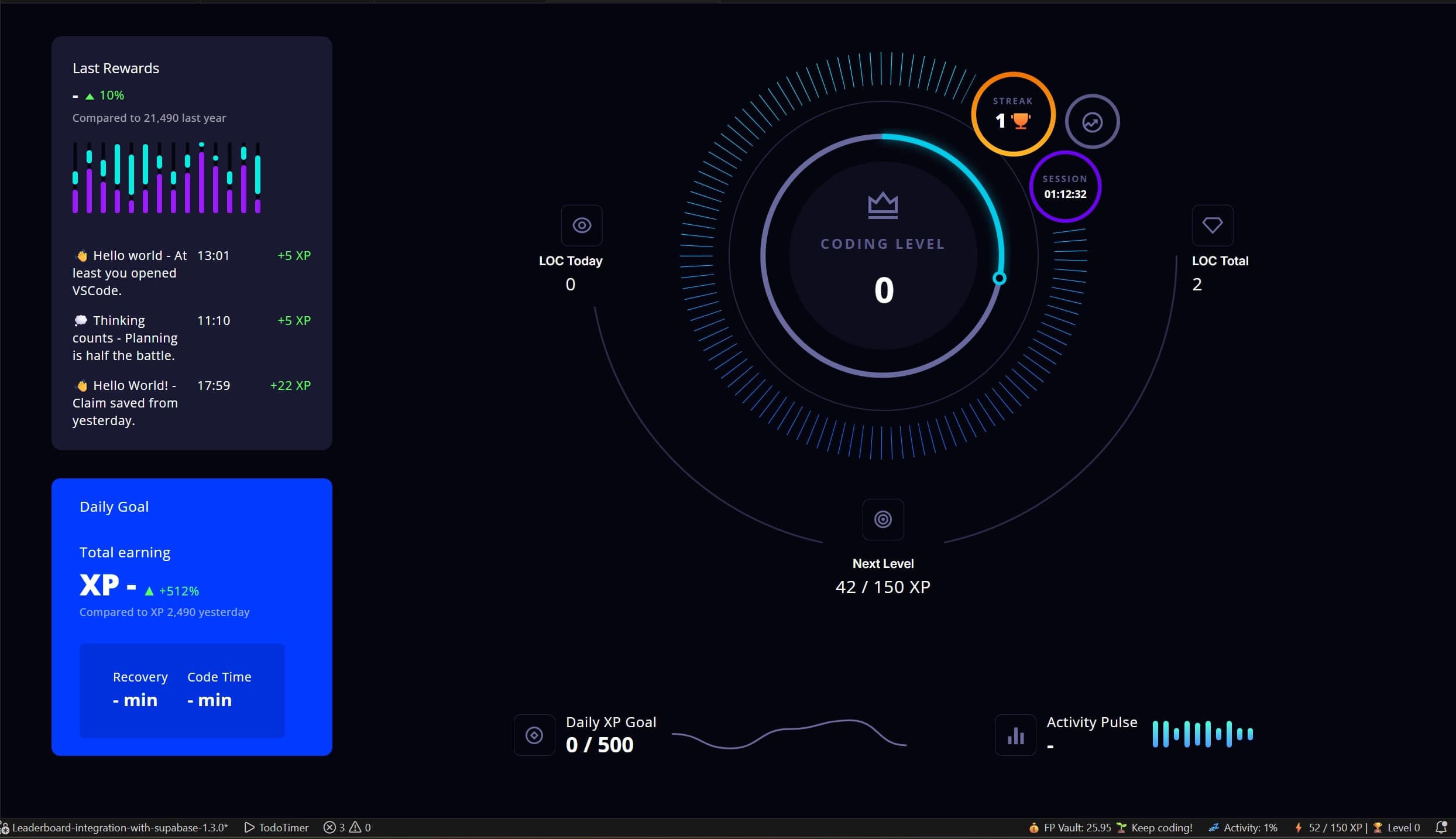
Beta launch
The very first public version of LevelUp, gamification for VS Code, shipped raw and rough. Far from polished, but working pretty fine.
- Initial dashboard with XP, levels and FP tracking
- Activity tracker watching your coding flow
- Vault system with daily claims
- Statusbar integration with live FP feedback